Course walkthrough
The full course is live: launch it here.
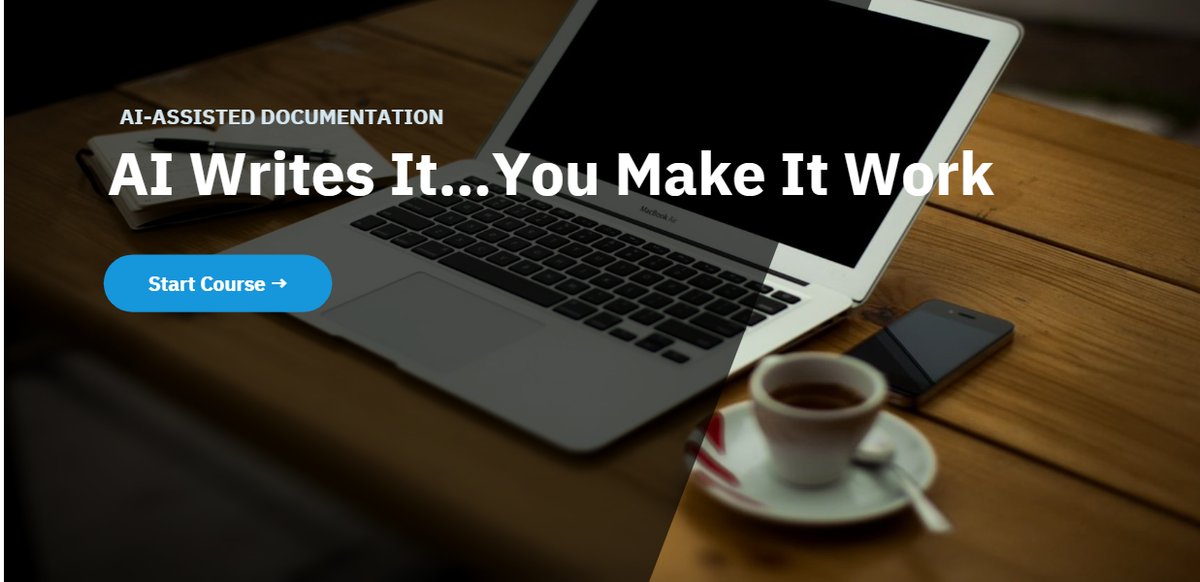
An eLearning course about using artificial intelligence responsibly when creating business documentation.
AI can speed up documentation, but it can also produce inaccurate, incomplete, or misleading instructions. This course teaches employees to evaluate AI-generated content critically.
AI tools can produce polished text quickly, which may create a false sense of reliability. Documentation generated with AI may contain missing steps, incorrect assumptions, unsupported details, inaccurate terminology, omitted approvals, compliance risks, and instructions that sound clear but do not reflect the actual process.
The learning need was not simply to teach employees how to prompt an AI tool. It was to help them recognize that AI output requires human judgment, verification, and revision.
Knowledge managers, technical writers, trainers, instructional designers, process owners, and business professionals who use AI to create or revise documentation.
By the end of the course, learners should be able to:
I structured the course around comparisons between weak and improved documentation. Learners review examples and identify issues such as vague instructions, missing prerequisites, incorrect sequencing, absent approvals, unsupported statements, and incomplete escalation paths.
The course emphasizes evaluation and judgment rather than presenting AI as either entirely beneficial or entirely harmful.
Documentation quality is easier to understand when learners can compare ineffective and effective versions. The course asks learners to examine content, identify risks, and determine what must be validated before publication.
Full audio narration with closed captions makes the course usable with sound on or off and accessible to more learners, and building both demonstrated the complete iSpring media pipeline.
This supports practical decision-making and encourages responsible use of AI in workplace writing, which is the actual skill the workplace needs.
The course incorporates captions, readable slide layouts, concise text, consistent navigation, clear feedback, and structured comparisons between examples.
The full course is live: launch it here.
This course was built for my portfolio and has not been deployed to a live workforce, so no performance data is claimed. It demonstrates my ability to design instruction around critical thinking, emerging technology, documentation quality, and responsible AI use.
This project reinforced that effective AI training should focus on judgment, verification, and accountability. If I developed the course for an actual organization, I would tailor it to the company's approved AI tools, documentation standards, compliance requirements, review process, and publishing workflow.